Palm Sweep: a palm tree motion blur AI photoshoot

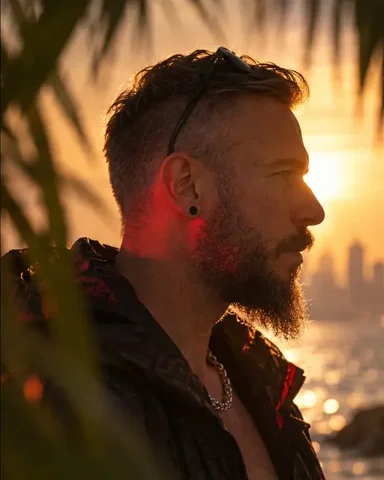
Palm Sweep drags palms and sunset sky into vertical brushstrokes by moving the camera upward during a half-second exposure. An orange flash freezes the face, the only sharp thing in the frame.
Art direction: Alex But
- Lens
- 35 mm
- Shutter
- 1/2 s
- Camera
- Vertical sweep
Best for
Five photos from this shoot
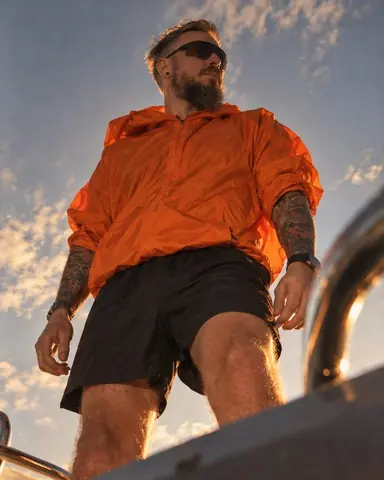
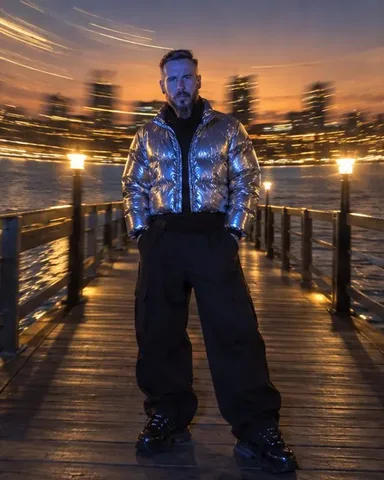
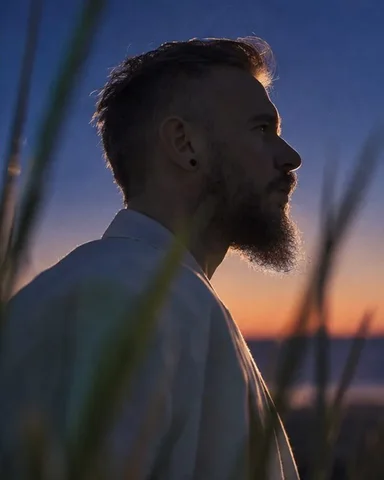
Five frames from different angles, made by haloshot from three phone photos of one person.

Frame 1 · Palm Sweep 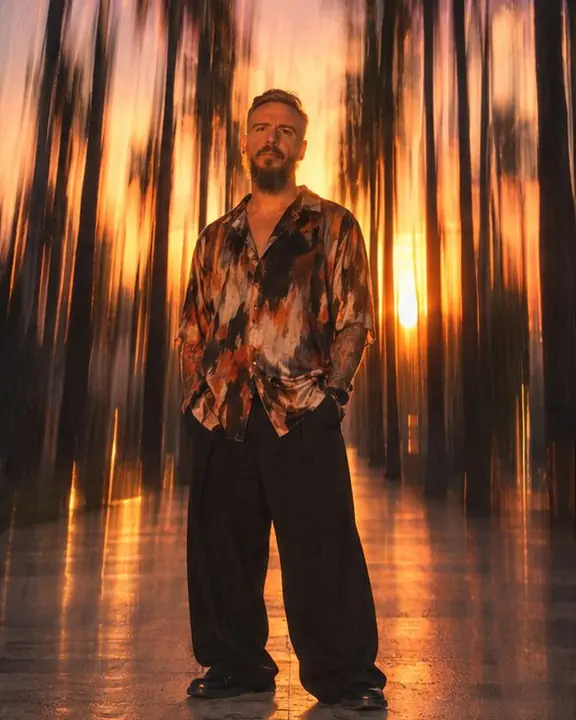
Frame 2 · Palm Sweep 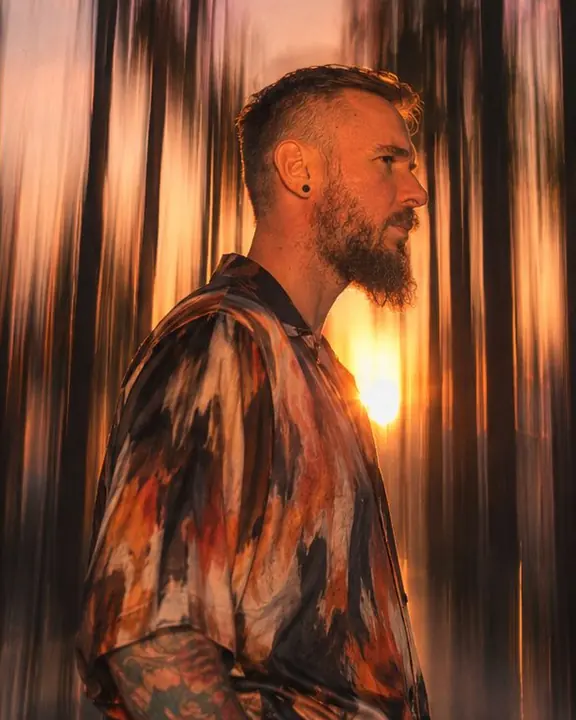
Frame 3 · Palm Sweep 
Frame 4 · Palm Sweep 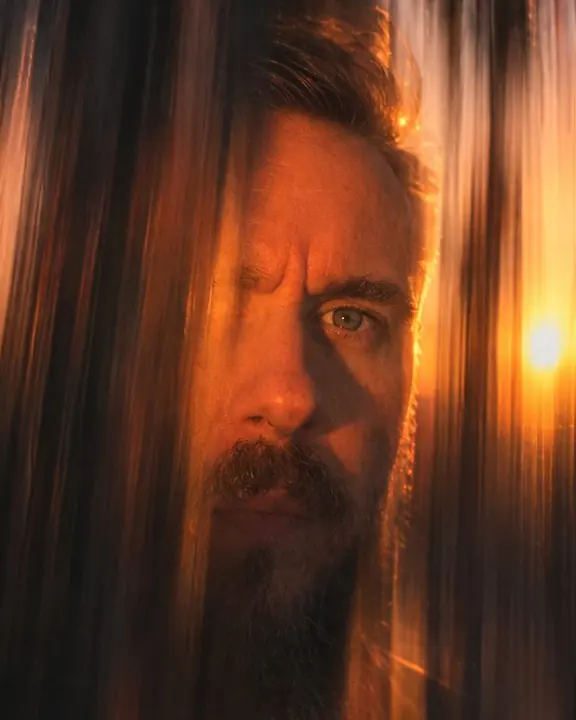
Frame 5 · Palm Sweep
About the vertical sweep look
With a 35 mm lens at 1/2 s, the camera travels vertically through the exposure. Every trunk and frond streaks into dark lines, and the pink and gold sky stretches with them. The sunset sits behind the subject and rims the hair and beard. A saturated orange flash from the camera side fires during the sweep and locks part of the face and shirt in place.
Clothes, place and when to pick it
An oversized silk shirt in an abstract rust-and-ink print stretches into streaks of its own, worn with wide black trousers. Looking up into the streaking palms gives the strongest look. haloshot fits you into the sweep. Pick it for an album or single cover, an art-forward profile picture or a painterly grid tile.
How it works
Add three photos of yourself: face, half turn and full length. haloshot makes six frames of you in Palm Sweep, and you develop the ones you like as 4:5 HD photos. Your first preview is free.
How to blur palm trees with a vertical camera sweep
Moving the camera upward during a half-second exposure stretches trunks and sky into vertical strokes, and a rear-curtain flash freezes the model at the end of the move.
- Find an avenue of tall palms with the sunset behind the model, and work from about 3 m away.
- Set 35 mm at 1/2 s, f/11, ISO 100 and a 3-stop ND so the sky holds color through the exposure.
- Put an orange-gelled speedlight at 45 degrees on the camera side, radio-triggered with rear-curtain sync.
- Start tilting up before you press the shutter and keep moving until it closes, same speed every take.
Expect one keeper in ten; vary sweep length until the strokes look painted rather than shaken.
Set notes by Alex But, art director · Updated
More Golden Hour shoots
See the whole Golden Hour collection · 10 shoots


Collections
Your own Palm Sweep shoot
Three photos in, six frames of you out. Coming soon to the App Store.