Mapped: a projection mapping AI photoshoot
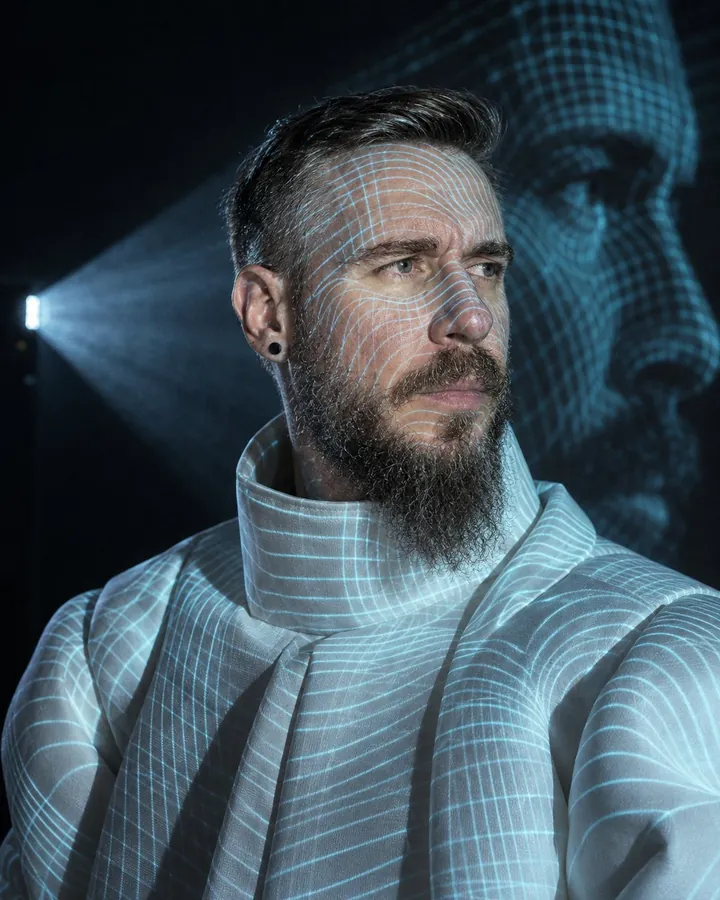
In Mapped a video projector is the only light, so this projection mapping portrait happens in a dark studio. Contour lines, a fine grid, water caustics and huge fragments of your own face wrap the body and bend with its shape.
Art direction: Alex But
- Lens
- 50 mm
- Aperture
- f/2.8
- Shutter
- 1/60 s
- ISO
- 1600
- Light
- 20,000 lm projector
Best for
Five photos from this shoot
Five frames from different angles, made by haloshot from three phone photos of one person.
Frame 1 · Mapped 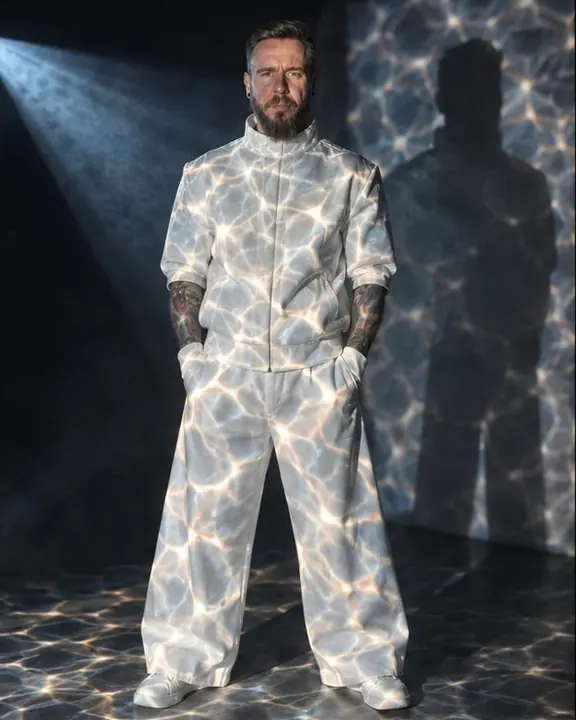
Frame 2 · Mapped 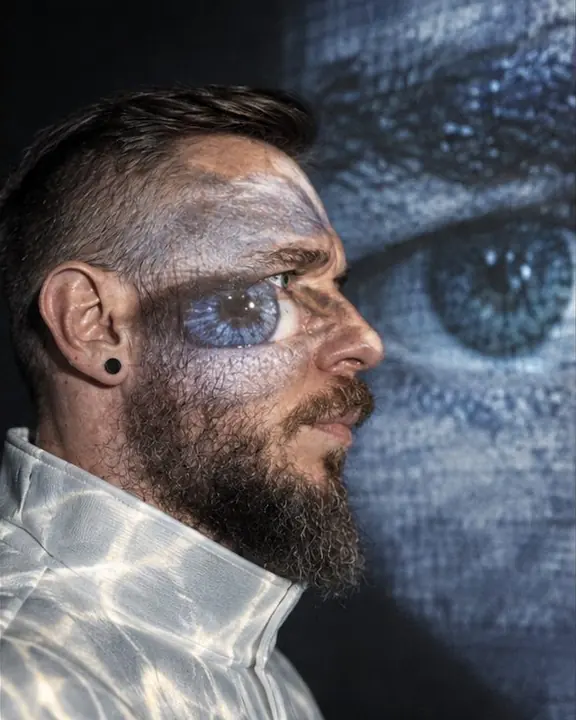
Frame 3 · Mapped 
Frame 4 · Mapped 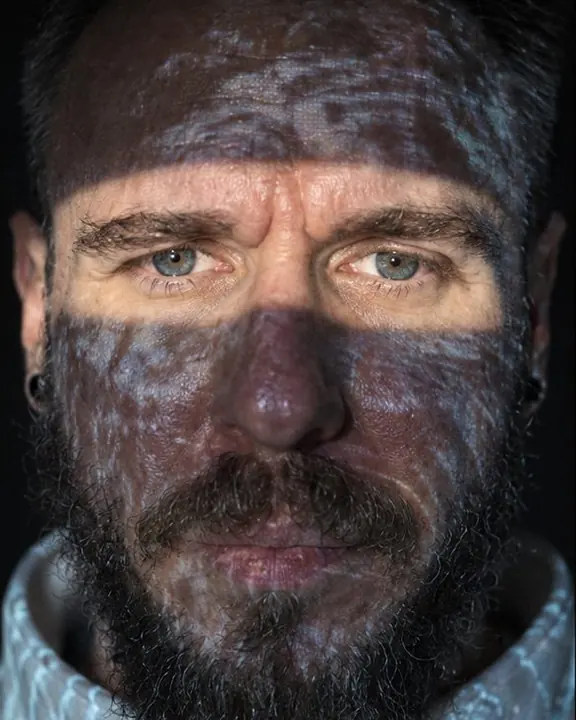
Frame 5 · Mapped
About the projection mapping look
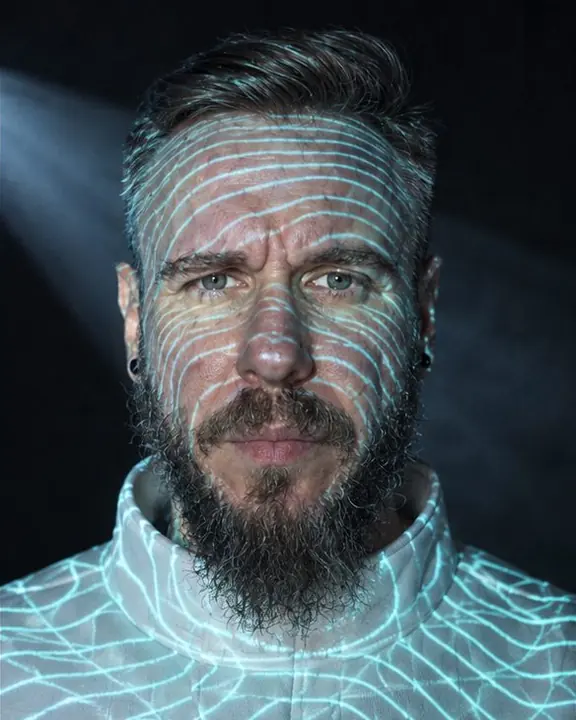
A 20,000-lumen projector paints each photo with a different texture: electric cyan contours over the nose and cheekbones, warm white water ripples down the outfit, a giant projected eye across the cheek and the wall. Its cone shows in light haze, and everything outside the beam is black. A 50 mm lens at f/2.8 sits beside the projector, at 1/60 s and ISO 1600.
Clothes, place and when to pick it
For a projection surface, the outfit stays white: a sculptural jacket with rounded padded volumes and a high stand collar, wide white pants and white cotton gloves. Hands rise into the beam and catch the lines. It suits a creative technologist portfolio, a speaker profile at a tech or arts event or an electronic music release.
How it works
Add three photos of yourself: face, half turn and full length. haloshot makes six frames of you in Mapped, and you develop the ones you like as 4:5 HD photos. Your first preview is free.
How to set up a projection mapping portrait
With a video projector as the only light, graphics thrown onto a white-dressed subject wrap the body, and a lens beside the projector records them bending over every curve.
- Rent a 20,000-lumen 3-chip DLP or LCD projector to avoid color banding; place it 5 m away in a dark studio.
- Prepare stills or loops of contour lines, fine grids, water caustics and enlarged face fragments.
- Set the 50 mm beside the projector, slightly off-axis, at f/2.8, 1/60 s, ISO 1600; light haze shows the cone.
- Pose frontal and profile, hands raised into the beam, the pattern spilling onto the wall.
Keep the subject's eyes closed when facing a projector this bright, and vent haze between runs.
Set notes by Alex But, art director · Updated
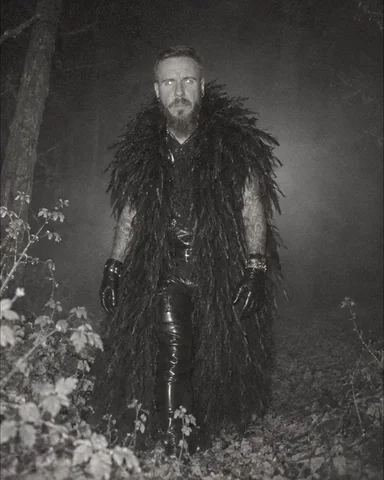
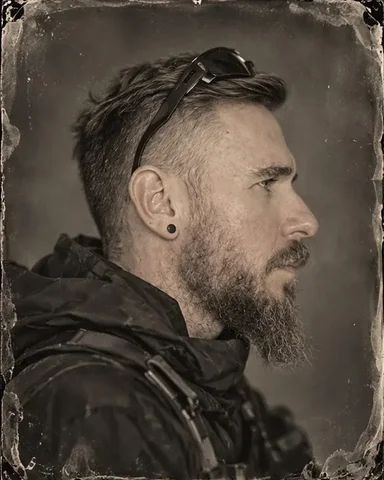
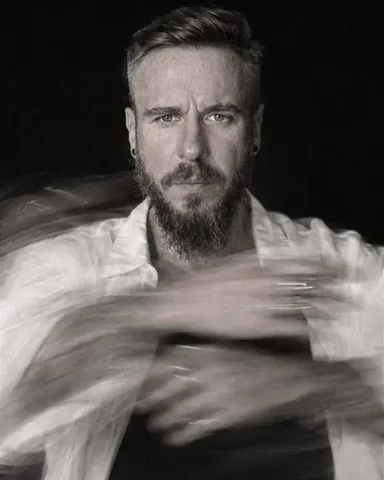
More Maximalism shoots
See the whole Maximalism collection · 10 shoots





Collections
Your own Mapped shoot
Three photos in, six frames of you out. Coming soon to the App Store.