Anamorphic: an anamorphic lens flare AI photoshoot
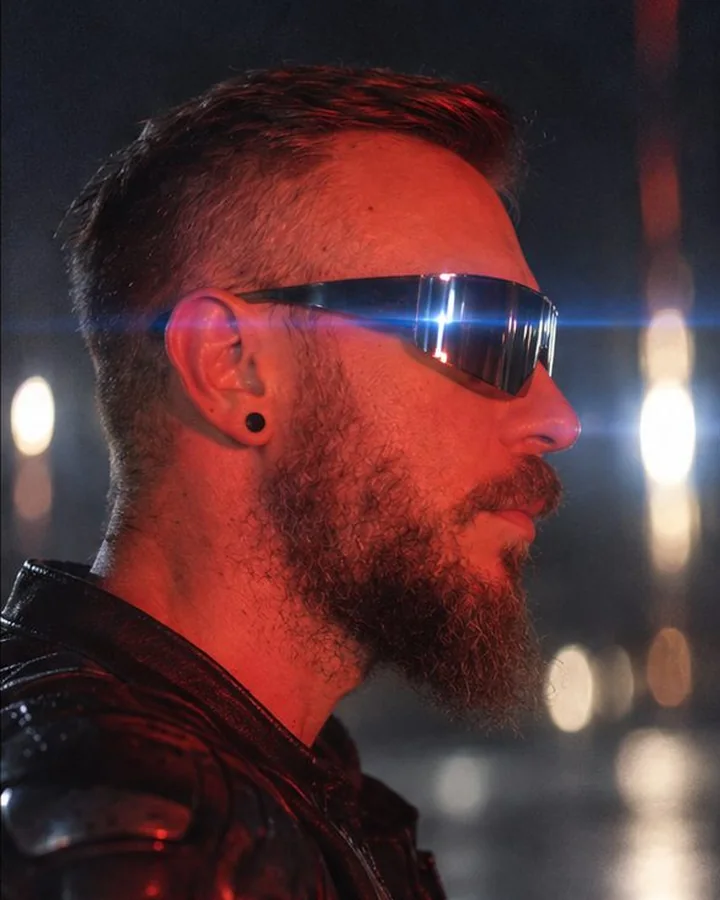
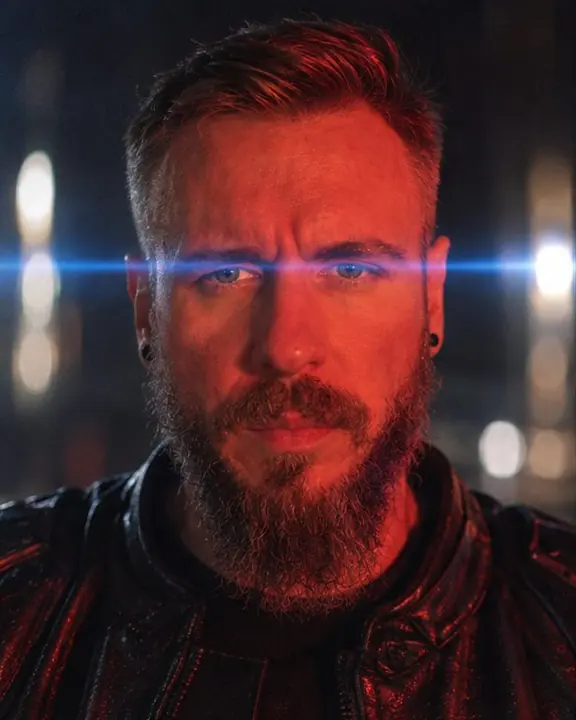
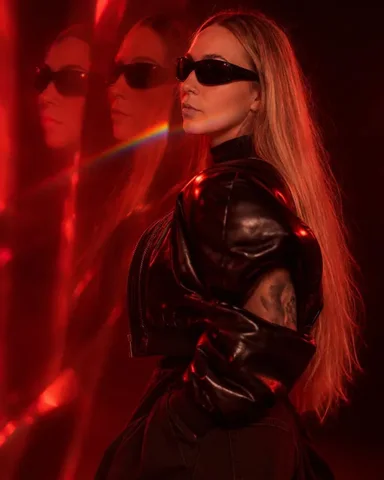
These six frames look lifted from a film: long blue streaks cut horizontally across the image, and background lights stretch into oval bokeh. A hard red key light paints the skin and leather.
Art direction: Alex But
- Lens
- 50 mm anamorphic
- Aperture
- T2
- Light
- Red key light
Best for
Five photos from this shoot
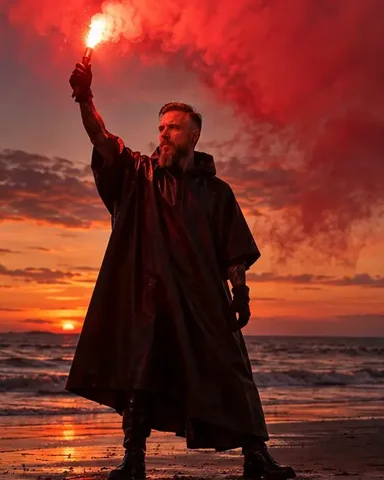
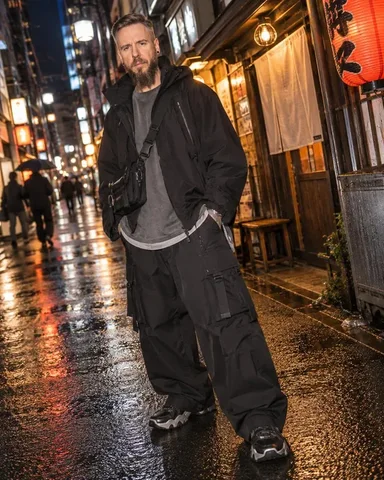
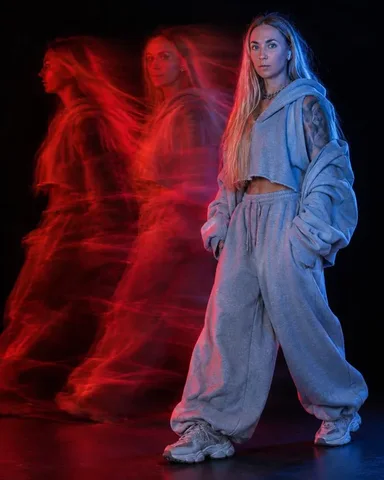
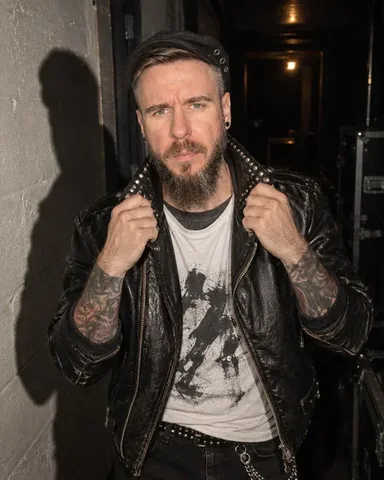
Five frames from different angles, made by haloshot from three phone photos of one person.
Frame 1 · Anamorphic 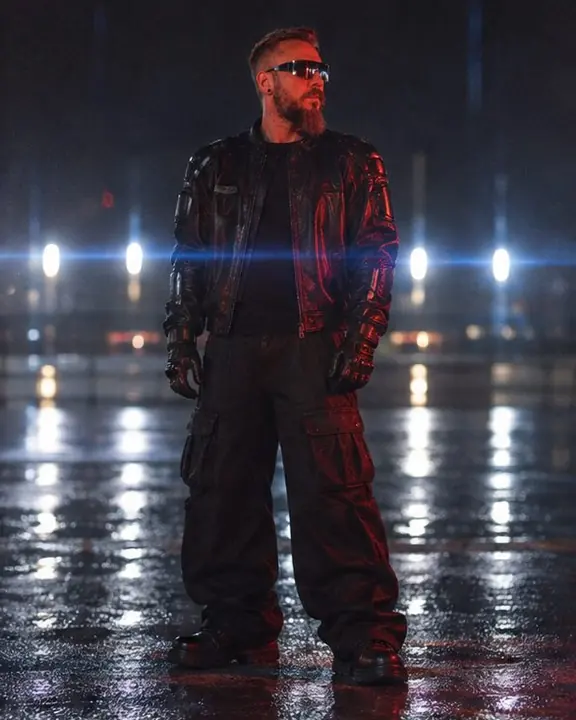
Frame 2 · Anamorphic 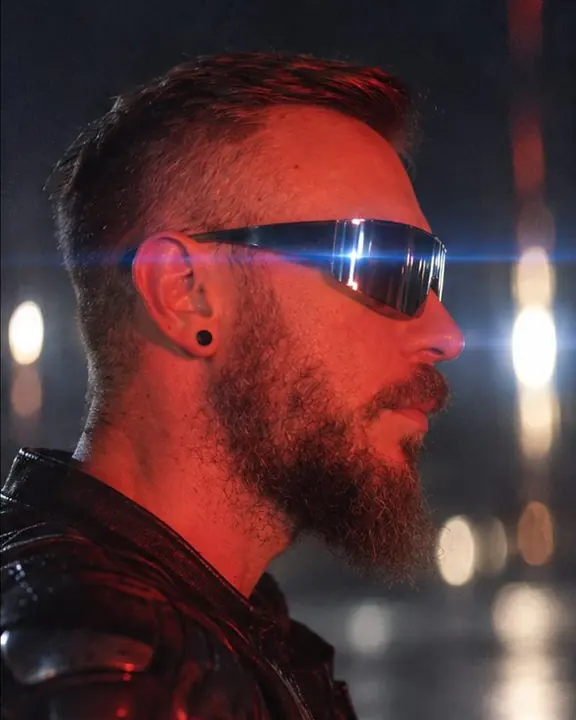
Frame 3 · Anamorphic 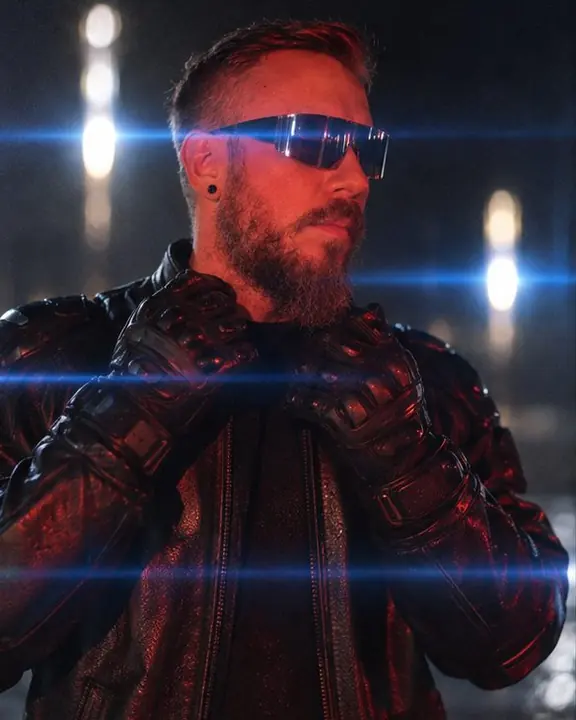
Frame 4 · Anamorphic 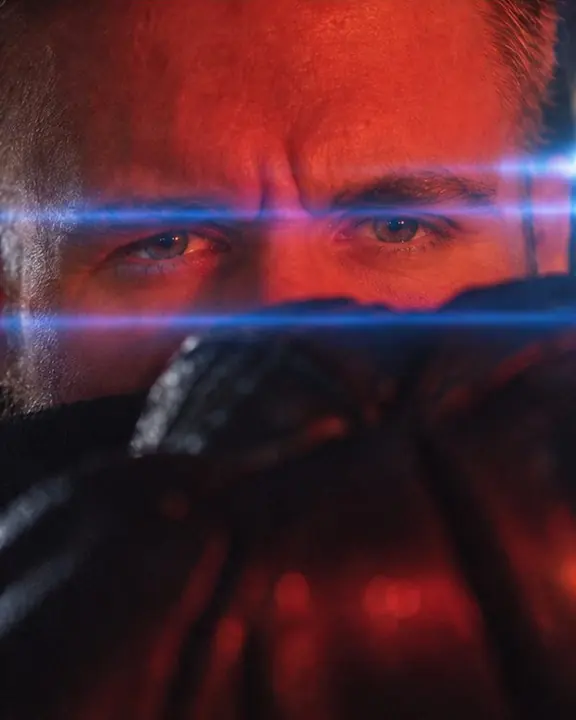
Frame 5 · Anamorphic
About the anamorphic flare look
The lens is a 50 mm anamorphic shot wide open at T2. Small bright white lamps sit in frame and behind the subject, and each one throws a thin electric-blue flare across the whole width. Out-of-focus points stretch into ovals, and the edges bend slightly. From the side, the red key light carves the face and leaves the rest black.
Clothes, place and when to pick it
Motocross gear sets the mood: an oversized black leather jacket with armor pads at the shoulders and elbows, wide black cargo trousers, racing gloves and mirrored shield sunglasses that catch the streaks. haloshot keeps you under that red key. Pick this one for a film-style poster, a music video teaser still or a personal brand hero.
How it works
Add three photos of yourself: face, half turn and full length. haloshot makes six frames of you in Anamorphic, and you develop the ones you like as 4:5 HD photos. Your first preview is free.
How to capture anamorphic flares in a still portrait
An anamorphic lens squeezes the image with cylindrical elements, so bright points flare into long horizontal streaks and defocused lights turn oval. Blue-coated cine glass gives the blue streak.
- Rent a 50 mm T2 anamorphic such as an Atlas Orion, on a cine body or mirrorless with a PL adapter.
- Key the model from the side with a hard red-gelled fresnel and keep everything else black.
- Place small bare bulbs in frame and behind the model, and shoot at T2 so they streak and go oval.
- Compose with the camera's 2x desqueeze preview, then stretch files 2x horizontally in post.
Test lamp positions early; a few degrees decide whether a streak crosses the eyes.
Set notes by Alex But, art director · Updated
More Neon Noir shoots
See the whole Neon Noir collection · 12 shoots
Collections
Your own Anamorphic shoot
Three photos in, six frames of you out. Coming soon to the App Store.