Safelight: a red light portrait AI photoshoot
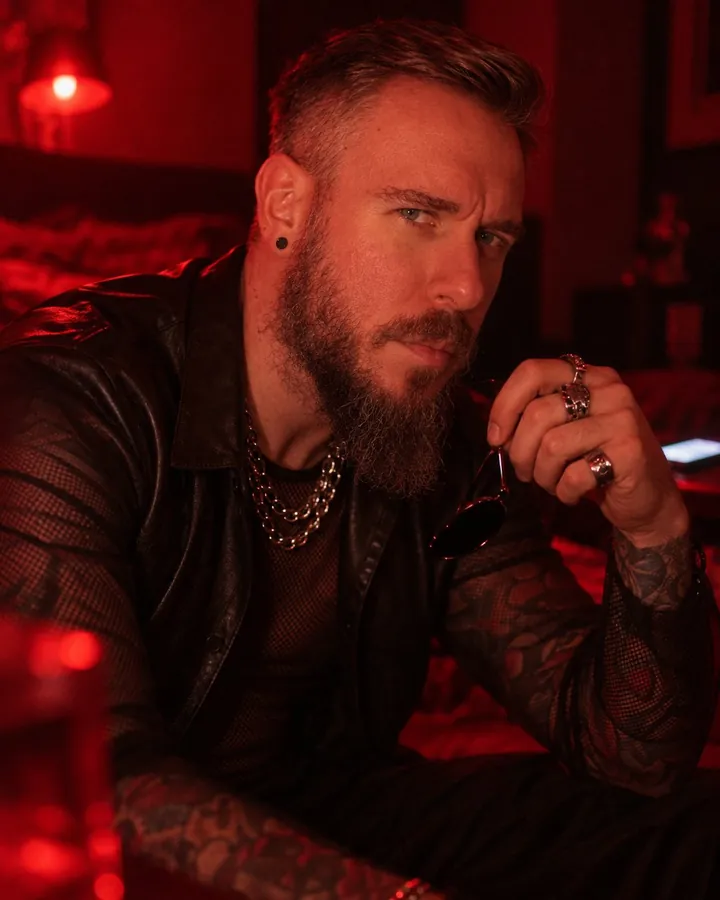
Like a darkroom, Safelight runs on one deep-red bulb: crimson and black, broken by a single cold white point from a phone screen or a bare LED. Expect six frames with visible high-ISO grain and a razor-thin plane of focus.
Art direction: Alex But
- Lens
- 50 mm
- Aperture
- f/1.2
- Shutter
- 1/60 s
- ISO
- 6400
- Light
- Single red lamp
Best for
Five photos from this shoot
Five frames from different angles, made by haloshot from three phone photos of one person.

Frame 1 · Safelight 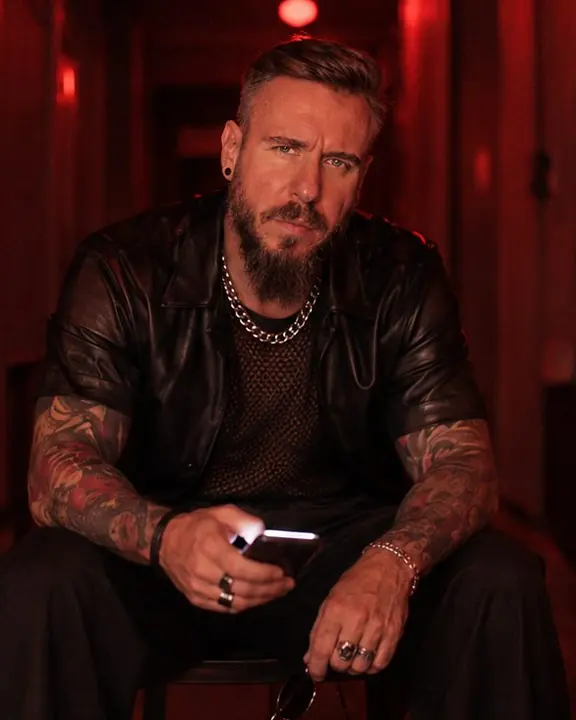
Frame 2 · Safelight 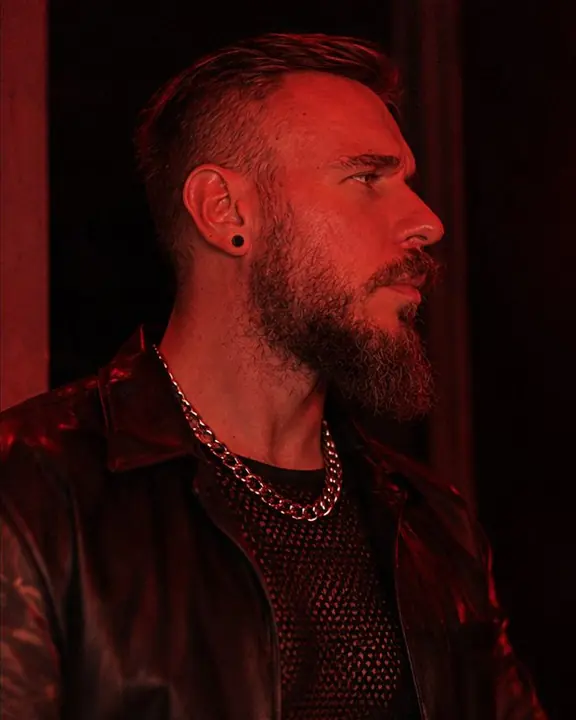
Frame 3 · Safelight 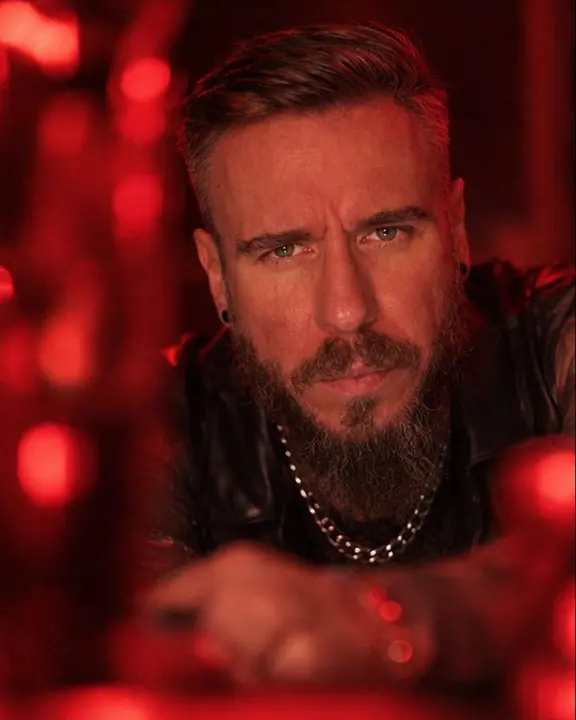
Frame 4 · Safelight 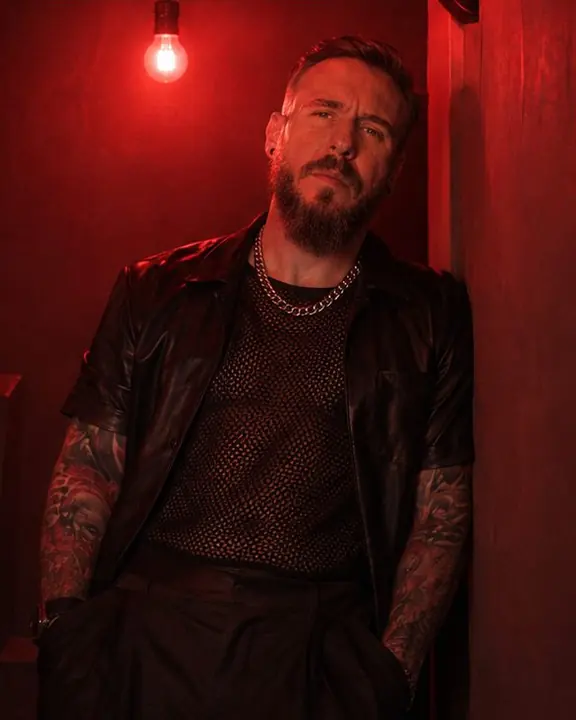
Frame 5 · Safelight
About the red lamp look
That red bulb is the only main light, hung to the side or overhead and falling straight off into black. A 50 mm lens at f/1.2 holds focus on the eyes alone, melting doorways and corridors into soft red. At ISO 6400 and 1/60 s handheld, noise shows in the shadows. A small white practical breaks the palette and lights a sliver of the face or fingers.
Clothes, place and when to pick it
Styling leans dark and reflective: a sheer black mesh top under an open leather shirt, wide black pants, heavy silver chains and chunky rings that catch red highlights, plus small oval sunglasses held in the hand. Your face is rendered in red tones throughout. Good for album or single artwork, a nightlife promo or a moody profile picture.
How it works
Add three photos of yourself: face, half turn and full length. haloshot makes six frames of you in Safelight, and you develop the ones you like as 4:5 HD photos. Your first preview is free.
How to create a red light portrait in a dark room
Light the room with a single deep-red bulb and nothing else; at f/1.2 and ISO 6400 it gives enough exposure, and everything records in red.
- Hang a red bulb or red-gelled lamp to the side or overhead, about 1 m from the face.
- Shoot the 50 mm wide open at f/1.2, 1/60 s, ISO 6400, handheld with stabilization on, focused on the near eye.
- Add one cold accent: a phone on a dim white page, or a bare white LED in frame.
- Hold red glass or fabric near the lens for soft foreground shapes, and leave the corners black.
Lock white balance at daylight; auto white balance neutralizes the red and turns skin gray.
Set notes by Alex But, art director · Updated
More Cover Story shoots
See the whole Cover Story collection · 10 shoots






Collections
Your own Safelight shoot
Three photos in, six frames of you out. Coming soon to the App Store.