Copacabana: a top-down drone portrait AI photoshoot in Rio
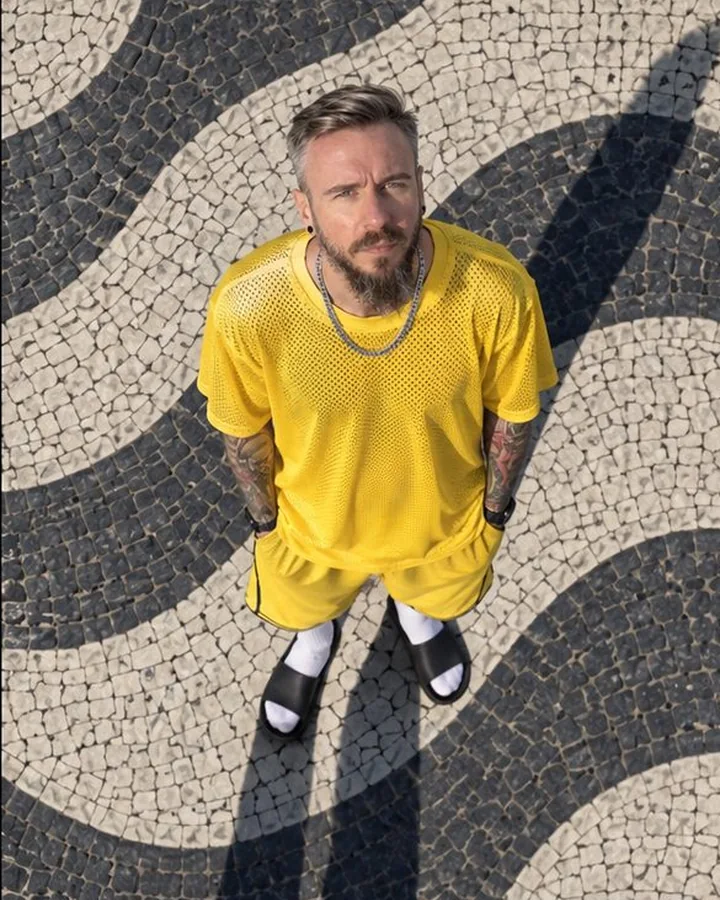
Copacabana is a drone portrait shoot over Rio's black-and-white wave mosaic promenade, shot straight down in early morning light. Stone curves fill the frame, and one canary-yellow figure throws a long shadow across them.
Art direction: Alex But
- Camera
- Drone, straight down
- Lens
- 24 mm
- Time
- Morning
Best for
Five photos from this shoot
Five frames from different angles, made by haloshot from three phone photos of one person.
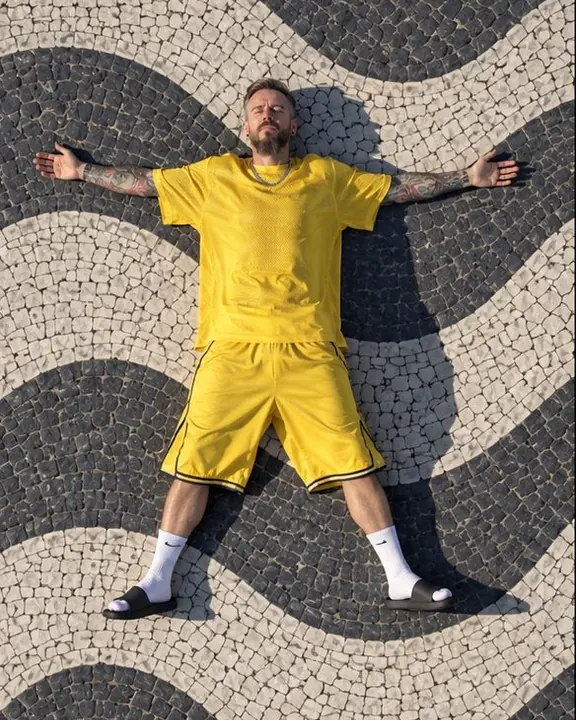
Frame 1 · Copacabana 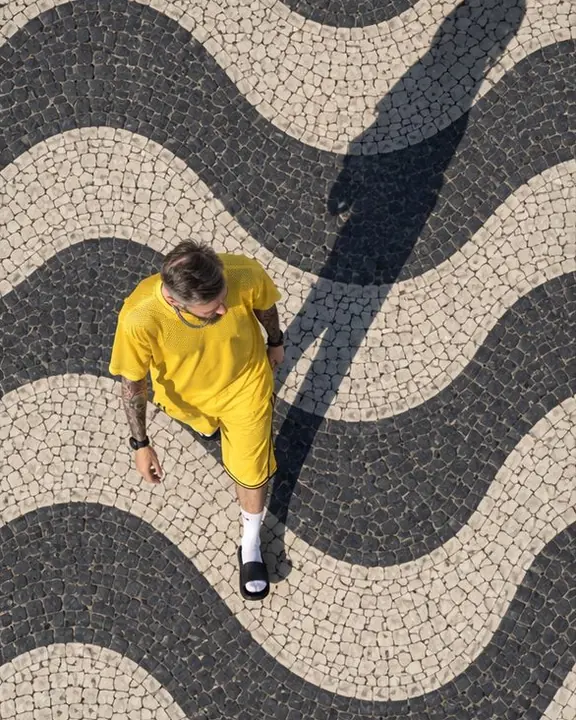
Frame 2 · Copacabana 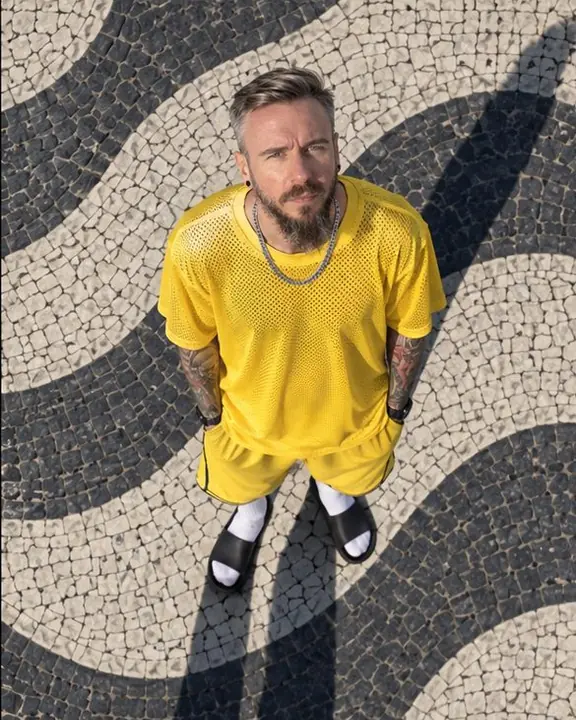
Frame 3 · Copacabana 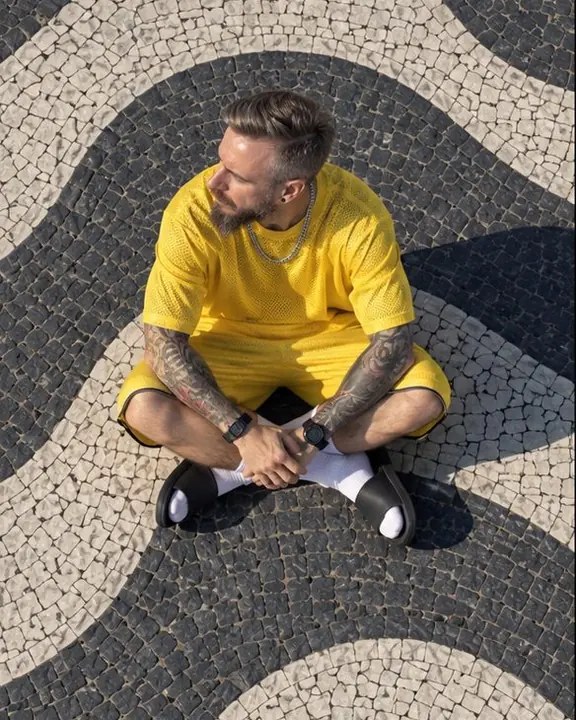
Frame 4 · Copacabana 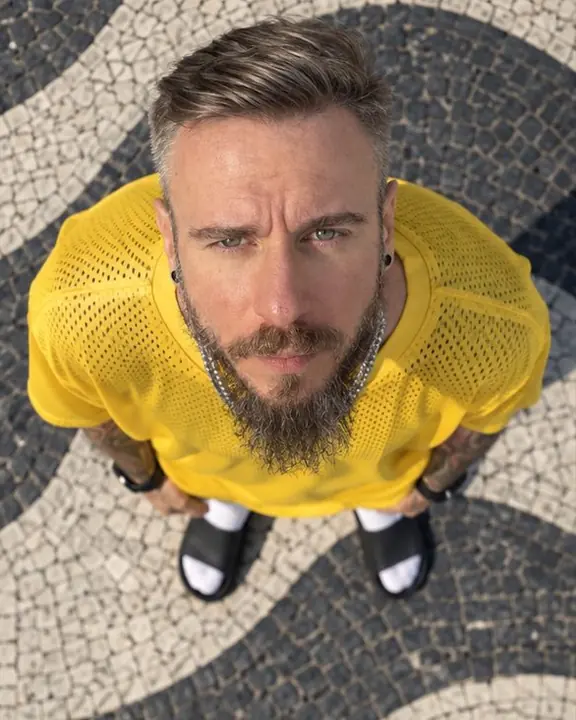
Frame 5 · Copacabana
About the top-down drone look
Most photos look directly down from a drone with a 24 mm-equivalent lens, which flattens the pavement into pure graphic pattern. A few come lower and closer for the face. Low morning sun rakes across the stones and stretches the shadow several body lengths. Contrast is high and clean, with nothing moving, so the shape of the pose carries each picture.
Clothes, place and when to pick it
Yellow is the only color hit: a plain oversized canary mesh jersey, huge baggy shorts, white socks, black slides and a silver chain. haloshot places you looking up at the lens. It works for a summer grid, a playful profile picture or a poster-like banner.
How it works
Add three photos of yourself: face, half turn and full length. haloshot makes six frames of you in Copacabana, and you develop the ones you like as 4:5 HD photos. Your first preview is free.
How to shoot a top-down drone portrait with long shadows
Pointing the drone camera straight down flattens the promenade into pattern, and a sun only a few degrees above the sea stretches the model's shadow across it.
- Fly within an hour of sunrise, when the sun rises over the ocean and throws shadows inland across the mosaic.
- Use a drone with a 24 mm-equivalent camera, gimbal at -90 degrees, ISO 100, about 1/1000 s, RAW.
- Hover 10–15 m up for full-pattern frames, then drop to 3–5 m for face frames with the model looking up.
- Direct by phone; set the figure on a wave crest, its shadow on a contrasting band.
Register the drone with ANAC, request airspace through DECEA's SARPAS and never fly over crowds.
Set notes by Alex But, art director · Updated
More Passport shoots
See the whole Passport collection · 15 shoots
Collections
Your own Copacabana shoot
Three photos in, six frames of you out. Coming soon to the App Store.